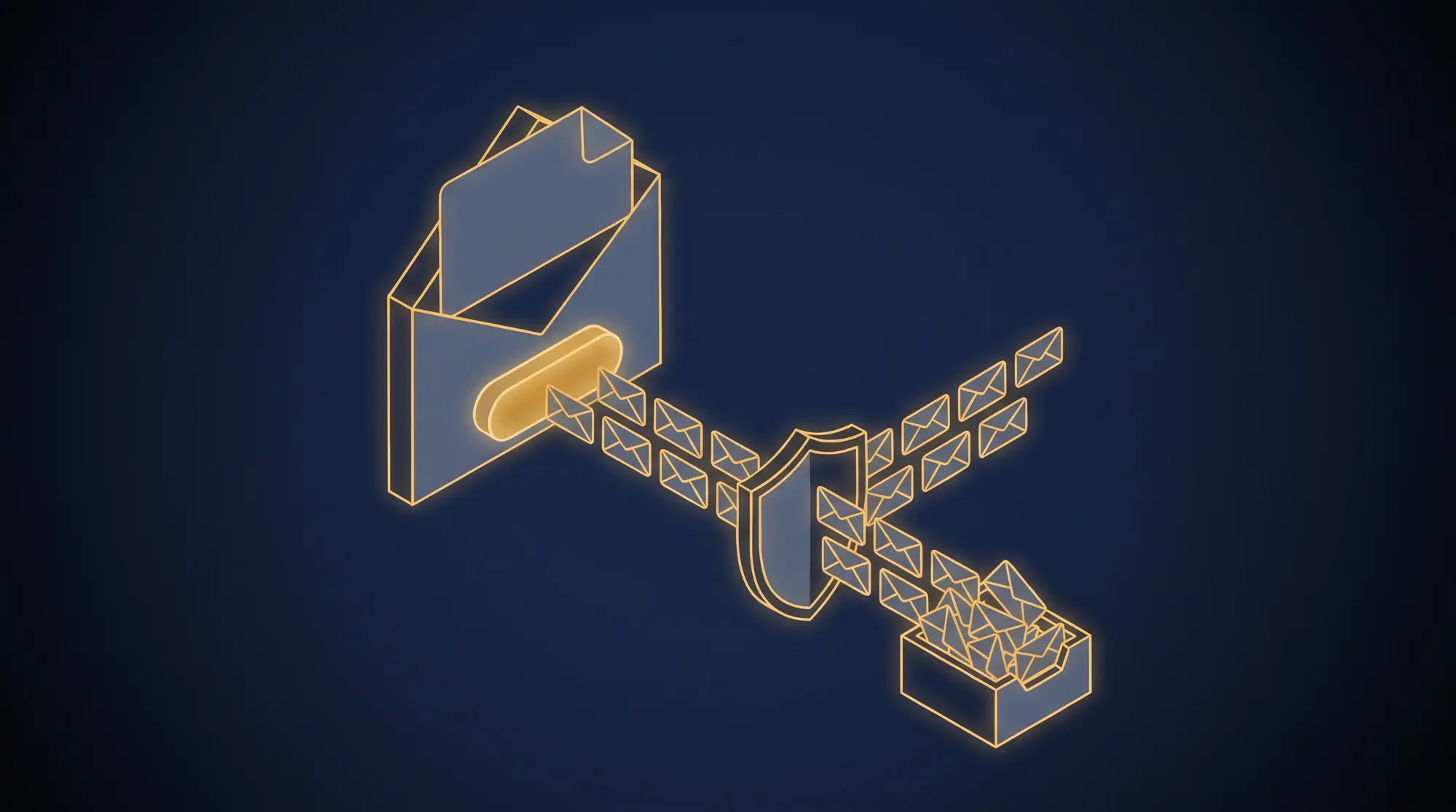
I have been on the receiving end of unwanted email that arrives through perfectly legitimate infrastructure. I wrote about one version of it last year: marketers abusing Zoom’s webinar platform to drop invitations I never asked for into my inbox and my calendar, with SPF, DKIM and DMARC all passing (Blocking Zoom Webinar Spam with Microsoft 365 Mail Flow Rules). Every message was technically authentic. None of it was wanted.
So it stung a little this week to discover that my own website had been used to do something similar to other people.
What happened on my site
On November 18, a bot submitted 11 email addresses to the newsletter signup form on this site. They were not mine and, as far as I can tell, they did not belong to anyone who wanted my newsletter. Two of them used throwaway addresses with obviously generated names.
I review every new subscriber by hand before they are added to my list, and that queue did its job: none of the 11 was approved. But the welcome email was configured to go out at signup, not at approval. So each of those 11 people still received a “Thanks for subscribing” message from me. My list stayed clean. Their inboxes did not.
That is the whole lesson of this post in miniature. The thing I was protecting (my list) and the thing that was harmed (a stranger’s inbox) were not the same thing.
What subscription bombing is
The attack has a few names: subscription bombing, email bombing, list bombing, form bombing. The mechanics are simple. An attacker takes a victim’s email address and uses automated tools to submit it to hundreds or thousands of legitimate signup forms at once [1]. Each site does exactly what it was built to do and sends a real welcome or confirmation email. Proofpoint describes a case where a victim found 1,500 new messages waiting, none of them spam in the usual sense: real “welcome to our newsletter” confirmations from a bakery in France, a tech blog in Japan and a furniture store in the United States [2].
Because every message comes from a real business with properly authenticated mail, spam filters have little reason to block it. The attacker borrows the good reputation of thousands of innocent senders. Laura Atkins of Word to the Wise compared it to a distributed denial of service attack aimed at a single person: they get so much mail from so many places that they can no longer use their mailbox for real mail [3].
Why anyone bothers
Harassment is one motive. The more dangerous one is cover. When a criminal has taken over someone’s bank, retail or email account, the alerts that would tip off the victim (a password change, a new device sign-in, a large purchase) arrive by email. Bury those alerts under a few thousand welcome messages and the victim is far less likely to notice them in time. ESET describes a victim whose inbox flood existed to hide a legitimate email from her bank warning her about a fraudulent laptop purchase [1], and Proofpoint reports the technique being used to mask password changes, financial fraud and account takeover [2].
If your inbox ever fills with signup confirmations you did not request, do not just delete them in bulk. Search first for security alerts, password resets and purchase confirmations, because the flood may be hiding the one message that matters.
Your form is the weapon
Here is the reframe I want site owners to take away. In a subscription bombing attack, the victim is a stranger, and your signup form is one of the weapons. You are not the target, but you are not uninvolved either:
- The stranger gets your unwanted email as part of the flood.
- Your domain sends mail nobody asked for. Recipients mark it as spam, and that drags down your sender reputation and the deliverability of the email your real subscribers want.
- Your list fills with junk, and your email provider’s sending quota pays for it.
So the question is not only “how do I keep bots off my list?” It is “how do I make sure my form never sends an email to someone who did not ask for it?”
CAPTCHA, spelled out
The traditional answer is a CAPTCHA, which stands for Completely Automated Public Turing test to tell Computers and Humans Apart [4]. Luis von Ahn, Manuel Blum and John Langford explained the name in 2004: it is a test a computer can generate and grade, but cannot itself pass, and the “Public” means the code and data behind it are open, so its strength comes from a hard problem rather than a secret [4]. The Turing test in the name is Alan Turing’s question of whether a machine can pass for a human. A CAPTCHA turns that question around and uses it as a gate.
Most of us know CAPTCHAs as squiggly letters or grids of traffic lights. Modern tools mostly work quietly in the background instead, looking at signals from the browser and only interrupting a visitor when something seems off.
It is also a game of cat and mouse. Every time machines get better at passing a CAPTCHA, the CAPTCHA has to get harder, and as AI grows more capable that cycle only speeds up. A 2023 USENIX Security study of modern CAPTCHAs calls it a “long-standing and still-ongoing arms race” in which CAPTCHAs keep “becoming increasingly difficult to solve for both bots (machines) and humans” [5]. That is a good reason never to rely on a CAPTCHA alone.
What I use, and why I am comfortable naming it
My sites use Cloudflare Turnstile, which Cloudflare describes as a CAPTCHA-free, privacy-preserving way to verify that visitors are human [6]. I have no qualms about saying so. Anyone who looks at the source of my pages, or runs a fingerprinting tool against them, can see the widget. Naming it gives an attacker nothing they could not find in seconds. Turnstile is one option among several, and hCaptcha, Google’s reCAPTCHA and Friendly Captcha all do the same basic job.
What matters more than the brand is where the check happens. On my site, the server-side handler verifies the Turnstile result before it does anything else, and certainly before any email can be sent. A submission that fails the check never reaches my email provider at all.
Layers, not one silver bullet
No single control is enough, so I stack them. When someone submits the form on this site:
- Turnstile has to be solved, and the server confirms it with Cloudflare before going further.
- A hostname check confirms that the Turnstile token was solved on my own site, not farmed on some other page.
- A rate limit caps how many signups one IP address can submit in an hour.
- A manual approval queue holds every new signup. Nobody joins my list until I approve them.
- Reputation checks run before I approve anyone. I check the email address and the IP address the signup came from against a reputation service, looking for disposable mailboxes, known abuse, proxies, VPNs and Tor exit nodes. Recording the signup IP is new this week, and each signup form now says so in a single line.
- The welcome email now fires on approval, not at signup. This is the fix that closes the gap I described at the top. Even if a bot gets past everything else, the worst it can do is put an address in my queue. The stranger behind that address receives nothing from me unless I approve them, and I will not.
Double opt-in is a two-edged sword
The standard advice for a signup form is double opt-in: send a confirmation email and only add the person once they click the link. I understand the appeal, and it does keep a list clean. But look at it from the victim’s side. In a bombing attack, the confirmation email is itself one of the unwanted emails. Double opt-in protects your list. It does not protect the stranger.
It also has a cost with real subscribers. Every extra step loses some people who meant to sign up but never clicked the second link. So double opt-in trades away some of your genuine audience to solve a problem it only half solves. Stopping bots before any email is sent, and sending nothing until a human has reviewed the signup, addresses both halves.
Why I care so much about this
I hate spam. As a recipient I filter it aggressively, down to mail flow rules that delete whole categories of unwanted invitations before they reach me. I hold the email I send to the same standard, and I go to considerable lengths to make sure that every message I send is one the recipient actually wants.
The idea behind that standard comes from Seth Godin. In his book Permission Marketing and on his blog, he defines it as “the privilege (not the right) of delivering anticipated, personal and relevant messages to people who actually want to get them” [7]. An unwanted welcome email fails all three of his tests: nobody anticipated it, it was not personal, and it was not relevant to a person who never asked for it. If your form can send that message to a stranger, your form is working against permission, not for it.
A short checklist for site owners
- Put a bot check such as Turnstile, hCaptcha or reCAPTCHA in front of every signup form, and verify it on the server before anything else happens.
- Confirm the token was solved on your own hostname.
- Rate-limit submissions per IP address.
- Hold new signups for review if your volume allows it, and check the email and signup IP reputation before you approve.
- Trigger the welcome email on approval, not on signup.
- Treat double opt-in as list hygiene, not victim protection.
- Tell visitors what you record about them, and why.
- Review your list periodically and prune the people who have never opened a single message.
That last item deserves a word of explanation. Mailbox providers watch how recipients respond to your mail, and a list full of people who never open anything tells them your messages are not wanted, which hurts your sending reputation for everyone else on the list. It is also worth knowing that many people never unsubscribe at all. I am one of them: when a message I did not ask for keeps arriving, I simply block the sender. From the sender’s side, a block looks exactly like silence. Open tracking is imperfect in both directions: some mail apps load images automatically and register opens nobody made, while others block images and hide opens that really happened. So look at clicks as well as opens, and consider one last short message asking whether they still want to hear from you. Someone who has never opened or clicked anything, and ignores that question too, is almost certainly not reading, and removing them respects their inbox as much as it protects yours.
My form was used as a weapon for one day against 11 people. It has been fixed, and those 11 addresses will never be approved. If you run a signup form, take a look at yours before someone else finds it for you.
References
- ESET, Inbox flooded with sign-up messages? How to handle email bombing, WeLiveSecurity
- Proofpoint, Cybersecurity stop of the month: the inbox avalanche, how subscription bombing hides the real attack, Proofpoint Blog, December 11, 2025
- Brian Krebs, Massive Email Bombs Target .Gov Addresses, Krebs on Security, August 2016
- Luis von Ahn, Manuel Blum and John Langford, Telling Humans and Computers Apart Automatically, Communications of the ACM, vol. 47, no. 2, February 2004
- Andrew Searles, Yoshimichi Nakatsuka, Ercan Ozturk, Andrew Paverd, Gene Tsudik and Ai Enkoji, An Empirical Study & Evaluation of Modern CAPTCHAs, USENIX Security Symposium, 2023
- Cloudflare, Cloudflare Turnstile, Cloudflare Developers
- Seth Godin, Permission Marketing, Seth’s Blog, January 31, 2008